
ScreenSpec Pro — Software for displaying technical specifications and pricing on PCs and laptops in-store
ScreenSpec Pro
Professional software for displaying laptop characteristics and prices at the point of sale

What is ScreenSpec Pro?
ScreenSpec Pro is a professional software designed to automatically display the technical characteristics and the price of a computer directly on its screen, in-store.
Essential information is visible from startup, for both the customer and the salesperson, without paper support.
- Information visible from startup
- Clear and structured reading
- Consistent presentation on the shelf
- Elimination of paper signs
Information where the customer looks
With ScreenSpec Pro, product information is no longer next to the computer, but on the product’s screen itself.
The customer instantly understands what they are looking at, without searching for a spec sheet or asking a salesperson.
- Direct and intuitive reading
- Information always visible
- Better understanding of the products on display
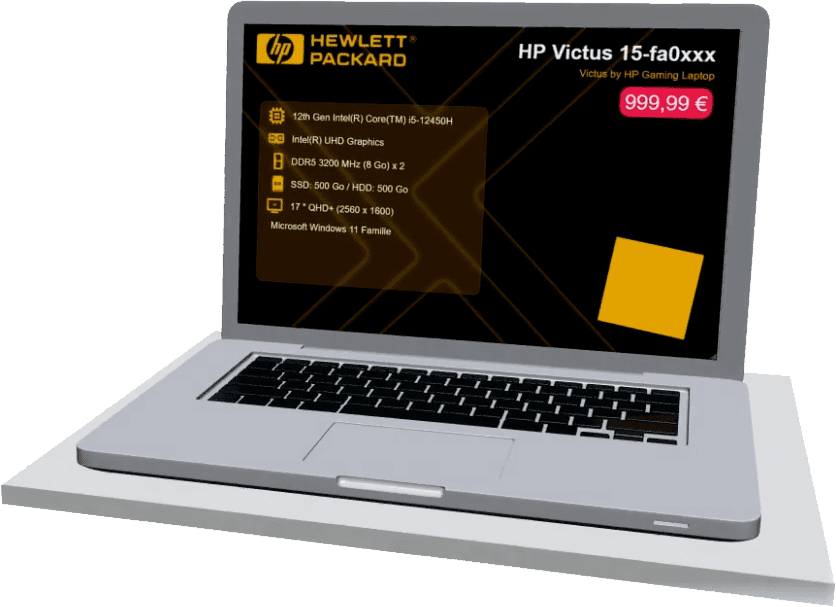
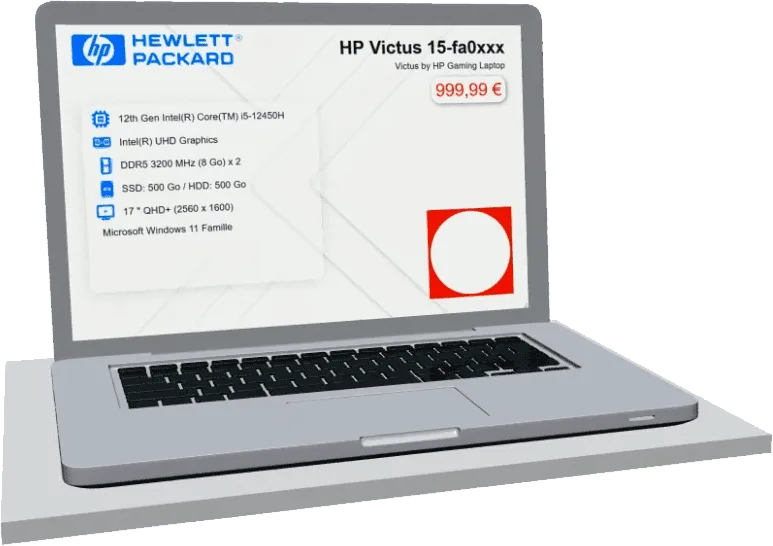
A presentation consistent with your store
ScreenSpec Pro allows you to align the computer display with the image and graphic charter of your point of sale.
Each screen becomes a communication medium consistent with your visual universe.
- Integrated store logo
- Respect for the graphic charter
- Homogeneous presentation across the entire fleet
Personalisation adapted to your image
Colours, texts, pictograms and the background can be adapted to your visual identity or specific operations.
You maintain control over the display, without constraints.
- Colours adapted to your graphic charter
- Customisable icons and texts
- Static or dynamic background according to your needs
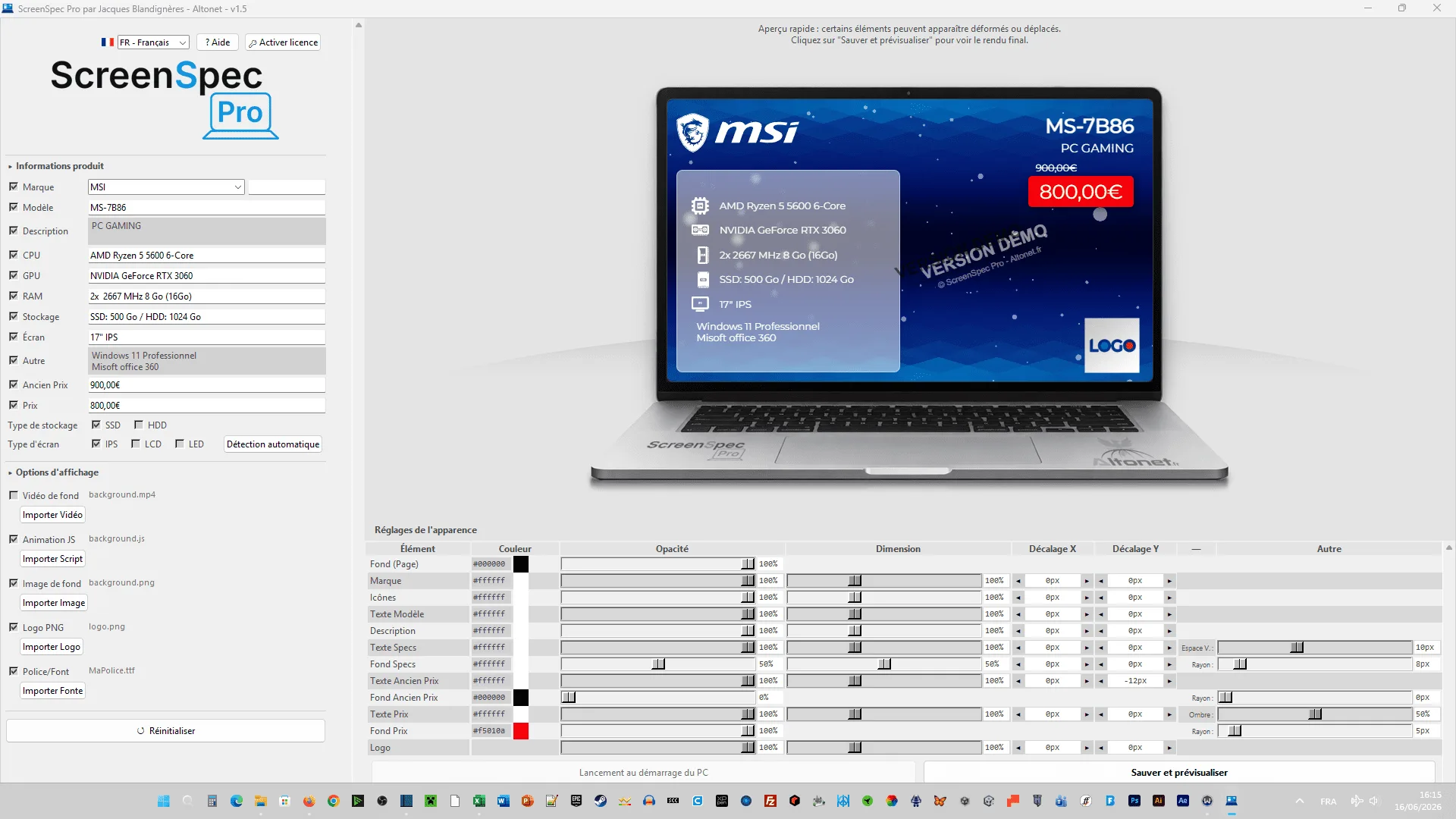
A standalone display, ready for the store
ScreenSpec Pro has been designed to work simply in a sales environment.
- Automatic display at startup
- No Internet access required
- Automatic detection
- of the brand
- of the model
- of the components
(CPU, RAM, GPU, HDD, screen)
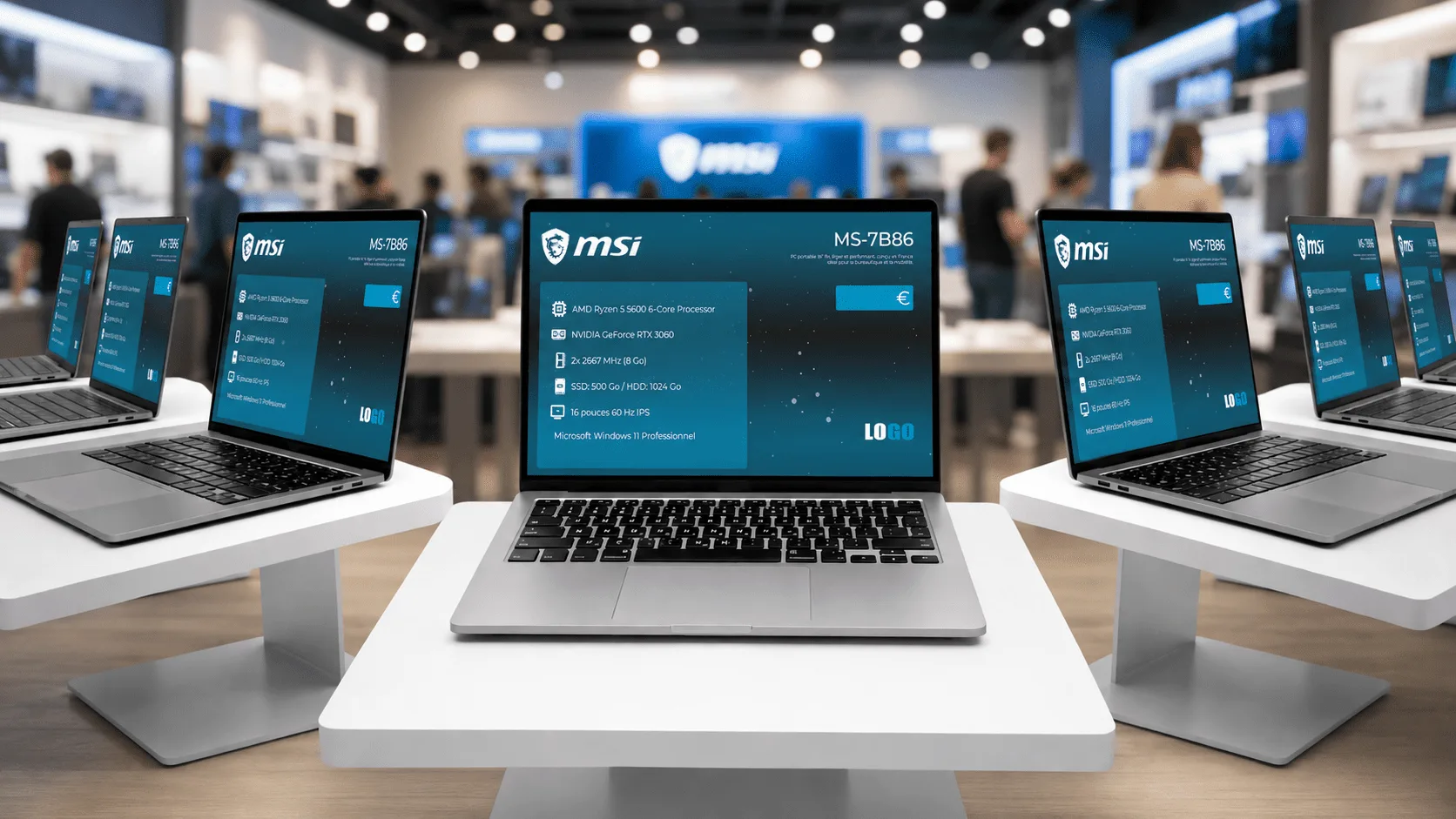
A cleaner daily organisation
ScreenSpec Pro allows you to harmonise product display and enhance on-shelf presentation.
- End of paper printing
- Information and prices always up to date on the product
- Clearer and more modern shelf, in line with the point of sale’s image
ScreenSpec Pro, the solution dedicated to the IT point of sale:
The screen becomes the product sheet.
Characteristics and price are displayed directly where the decision is made.
You enhance your brand’s visual identity.
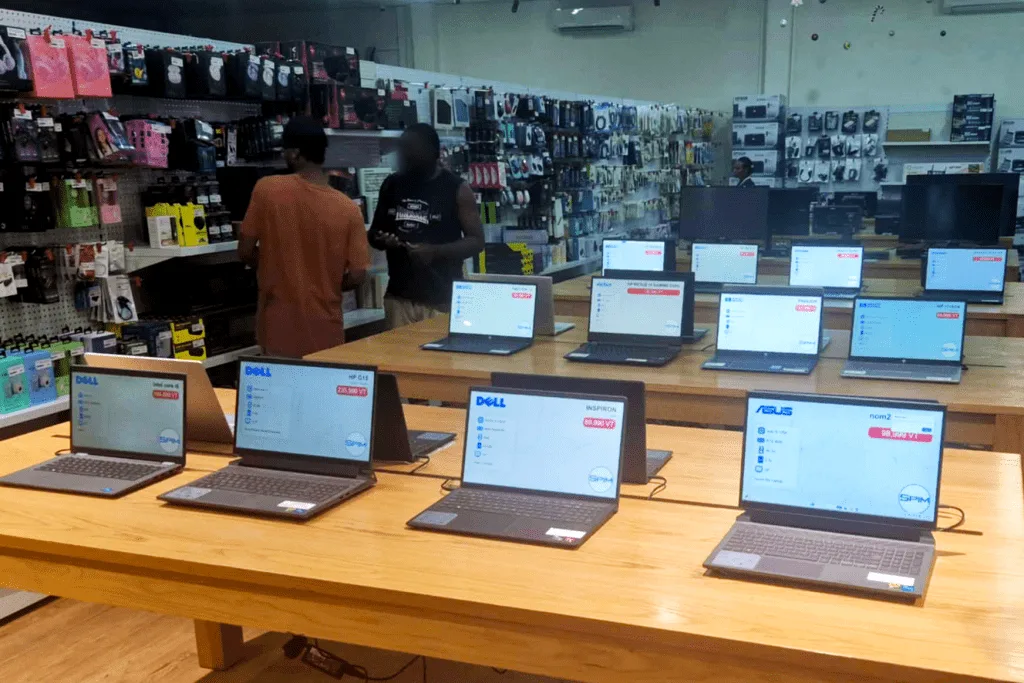
Thought for the field, used in-store
ScreenSpec Pro was designed and developed in France.
The software was tested, deployed and used on computers displayed in-store in Vanuatu.
Would you rather manage your product displays from a single workstation, with displays on PCs, smartphones, tablets and even Smart TVs? Discover SCRIX!
Like ScreenSpec Pro, SCRIX displays the brand, specifications and price on the screen of your displayed devices,
including Windows and Linux laptops, Android smartphones and tablets, and even Smart TVs.
It also allows you to add information panels and legal information and, above all,
manage your entire fleet from a single web console!
Display on up to three devices for free, with no time limit.